Novelty Creative Presentation Template Guide
In a digital landscape saturated with generic slide decks, capturing attention requires more than just good content; it demands a vessel that respects and amplifies your message. The Novelty Creative Presentation Template serves as this essential framework for modern storytellers. It is designed not merely as a collection of slides, but as a comprehensive visual system that bridges the gap between raw data and compelling narrative. For professionals ranging from startup founders to freelance photographers, this template offers a structured yet flexible foundation to communicate complex ideas with clarity and aesthetic precision.
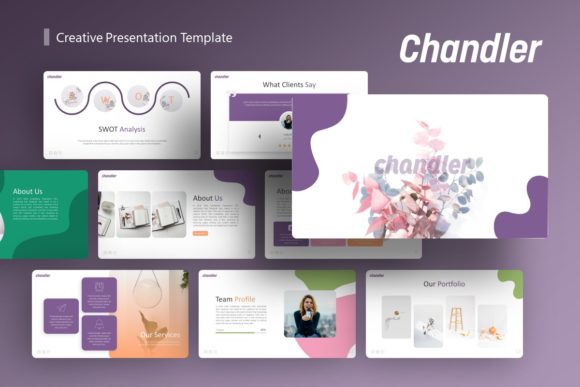
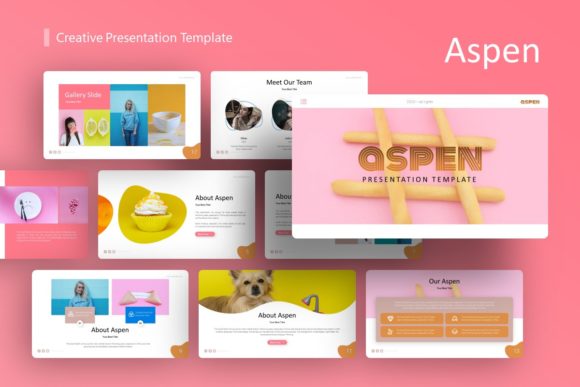
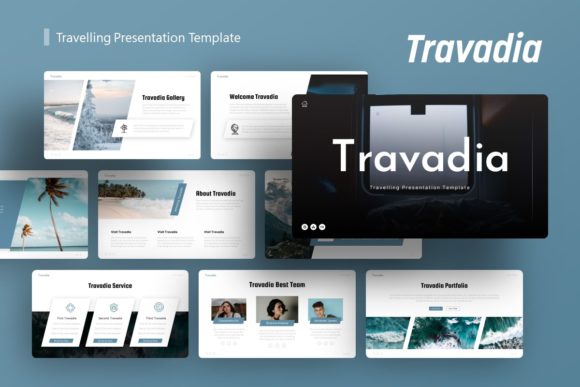
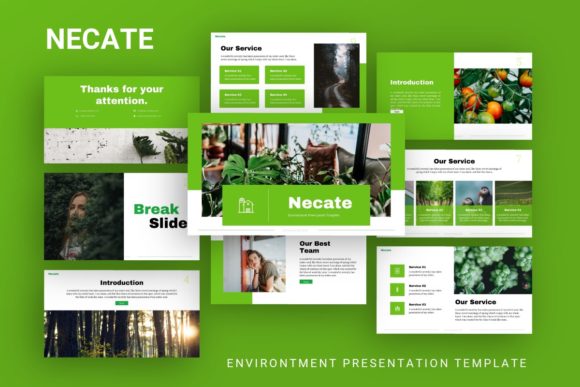
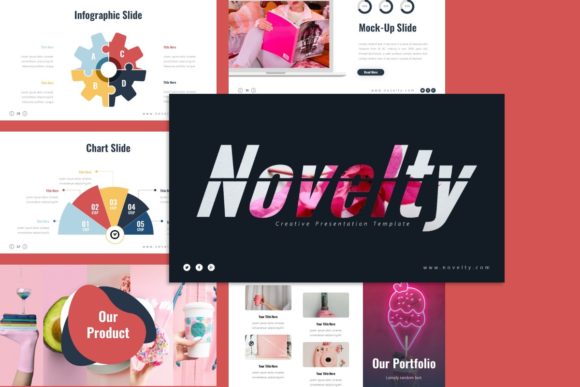
What distinguishes this resource from standard corporate themes is its commitment to handcrafted detail. Rather than relying on automated chart generators or stock vector packs, the Novelty Creative Presentation Template utilizes custom-built infographics and pixel-perfect illustrations rooted in Master Slides. This technical distinction matters because it ensures consistency across all 35 slides while allowing for deep customization. When you adjust a color palette or resize an element, the integrity of the design remains intact, saving hours of manual formatting and ensuring your final output looks professionally designed rather than hastily assembled.
Versatile Applications Across Industries
The true value of a creative template lies in its adaptability. While the name suggests a focus on artistic endeavors, the underlying structure supports a wide spectrum of professional use cases. Understanding how to leverage these layouts for specific industries can transform a standard pitch into a memorable brand experience.
Creative Agencies and Portfolios: For designers and agencies, the presentation itself is a test of competence. The template’s picture placeholders utilize a drag-and-drop functionality that maintains aspect ratios and alignment, allowing you to showcase photography or case studies without breaking the grid. Use the infographic slides to visualize your creative process or client results, turning abstract methodologies into tangible value propositions.
Startups and Pitch Decks: Investors review hundreds of decks monthly. Standing out requires a balance of innovation and readability. The Novelty Creative Presentation Template provides dedicated layouts for problem-solution narratives, market sizing, and team introductions. Because the graphics are fully editable vectors, you can tailor the visual metaphors to match your specific industry vertical, whether that is fintech, health tech, or sustainable goods, without losing the cohesive visual language that builds trust.
Corporate Profiles and Business Reporting: Internal communications often suffer from visual fatigue. By applying this template to quarterly reviews or company profiles, you signal respect for your audience's time and attention. The clean typography and organized hierarchy make dense information digestible. Use the resizable graphic elements to highlight key performance indicators (KPIs) effectively, ensuring that stakeholders grasp the most critical data points immediately.
Maximizing Design Efficiency with Master Slides
Efficiency is the backbone of sustainable creativity. Many users underestimate the power of the Master Slide feature included in this template. Instead of formatting individual slides one by one, which leads to inconsistencies and wasted time, you should approach editing globally. Changes made to fonts, logo placement, or footer styles within the Master Slide view will propagate instantly across the entire deck.
This systematic approach is particularly useful when adapting the template for different clients or departments. A freelancer managing multiple brands can create distinct master sets within a single file, switching between visual identities seamlessly. Furthermore, because all graphics are based on these masters, you avoid the common pitfall of "broken" slides where elements shift unexpectedly during editing. This technical stability frees up mental energy to focus on refining your script and narrative flow rather than fighting with alignment tools.
Strategic Customization for Audience Engagement
Having 35 unique slides at your disposal is an advantage, but using all of them is rarely necessary. Effective presentation design is an exercise in curation. Review the available layouts and select only those that directly support your core message. A concise, ten-slide deck with strong visuals is invariably more effective than a thirty-slide marathon filled with filler content.
Consider the context of your delivery. If the presentation will be viewed independently as a PDF or email attachment, you can utilize denser infographic slides that allow the reader to absorb information at their own pace. Conversely, if you are presenting live on stage or via video call, prioritize slides with minimal text and high-impact imagery. The Novelty Creative Presentation Template supports both modes, but it is your responsibility to match the density of information to the consumption format.
When customizing the handcrafted infographics, resist the urge to change colors arbitrarily. Establish a semantic color system early in your process. For example, assign a specific accent color to represent "growth" or "opportunity" and use it consistently throughout the deck. This subtle repetition creates a subconscious thread for the viewer, making complex data relationships easier to understand. The pixel-perfect nature of the included illustrations means they scale beautifully for large screens, but ensure your contrast ratios remain accessible for all viewers.
Practical Considerations and Asset Management
To achieve professional results, it is vital to manage expectations regarding assets. Please note that all images shown in the demo preview are for illustrative purposes only and are not included in the downloadable files. This is standard practice for high-quality templates, as it prevents licensing issues and encourages you to use authentic, relevant imagery.
Treat this exclusion as an opportunity rather than a limitation. Using placeholder images forces you to source or create visuals that are genuinely specific to your project. Whether you are using original photography, licensed stock, or AI-generated assets, ensure they share a consistent tonal quality. The picture placeholders in the Novelty Creative Presentation Template are designed to frame content elegantly, but the emotional resonance comes from the image you choose to place inside. Avoid generic handshakes or lightbulbs; opt for textures, environments, or candid moments that reinforce your unique narrative.
Finally, remember that easy customization does not mean automatic success. The template provides the grammar of visual communication, but you must write the poetry. Test your resized graphics on the actual display equipment you intend to use. Verify that text remains legible against background illustrations. Solicit feedback on the flow before finalizing. By combining the robust technical features of this template with thoughtful, audience-centric content strategy, you elevate your presentation from a simple file transfer to a meaningful connection.